
PUBG Mobile Flash APK Download: Android Game Guide
Level Infinite
Today
0.96 GB
v1.0
Android 7.0 or higher
90K+

Description
Mobile games continue to become more demanding as developers introduce improved graphics, larger environments, and additional content. However, these improvements can create storage and performance challenges for people using Android smartphones with limited resources. PUBG Mobile Flash introduces a different approach by offering the familiar PUBG Mobile experience through a smaller initial download and flexible resource management.
Launched on November 13, 2026, this official lightweight edition is designed for players who want to enjoy the original game’s environment without downloading every available resource immediately. It includes Erangel and Classic Battle Royale as its starting content, while additional maps, modes, events, and graphical resources can be downloaded when needed.
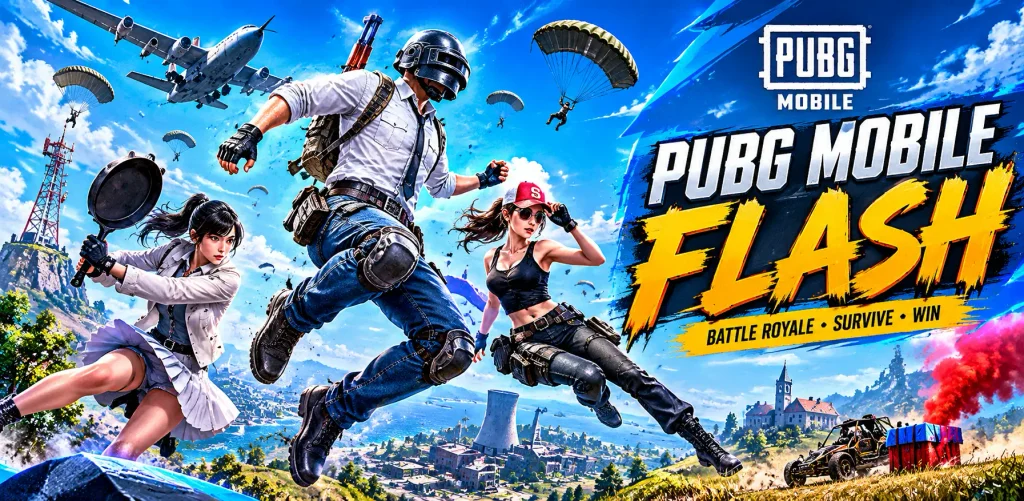
The main idea behind PUBG Mobile Flash is convenience. Instead of requiring players to install a large collection of files before getting started, it allows them to manage game content according to their preferences and available storage.
This version is particularly relevant to Android users who want a more manageable installation while remaining connected to the existing PUBG Mobile ecosystem.
Game Information at a Glance
| Parameter | Details |
|---|---|
| App Name | PUBG Mobile Flash |
| Latest Version | Initial public release; check store for updates |
| Developer | Level Infinite |
| Required OS | Android compatibility varies by device |
| Initial File Size | Under 0.96 GB |
| Category | Action / Battle Royale |
| Minimum RAM | 2 GB |
| Launch Date | November 13, 2026 |
| Pricing | Free to download; in-app purchases |
| Safety Rating | Google Play Teen rating |
Note: The initial download size is not the same as the total storage required after installing optional resources. An independent safety certification is not available. The Teen rating is the store’s content classification, not a security guarantee.
What Is PUBG Mobile Flash?
PUBG Mobile Flash is a lightweight version of the popular PUBG Mobile battle royale game, designed to provide Android users with a smaller initial download and flexible storage management. It allows players to enjoy the familiar battle royale experience without downloading all game resources at once.
The game offers Classic Battle Royale gameplay, starting with the Erangel map. Players can download additional maps, modes, events, and graphical resources according to their preferences and available device storage.
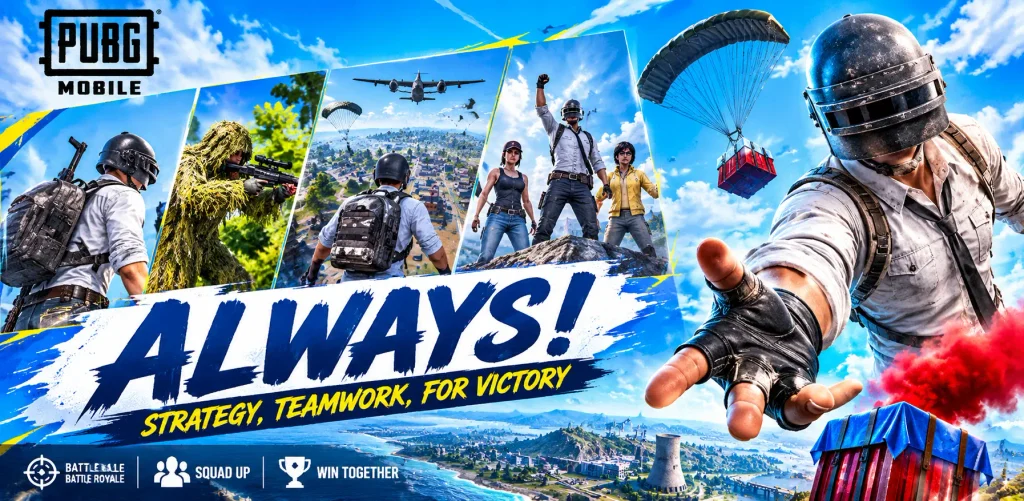
One of its main advantages is its flexible installation system, which helps users manage storage more conveniently. It also supports a connected gaming ecosystem, allowing compatible accounts and players to remain connected with the standard version.
Overall, PUBG Mobile Flash is aimed at Android users who want a more manageable game installation while enjoying familiar PUBG Mobile gameplay.
What Makes This Lightweight Edition Different?
The biggest difference is its approach to downloading game resources. Traditional large mobile games often require considerable storage before players can access their main content. This edition aims to reduce that initial requirement.
Its launch version provides the basic experience first and allows players to expand the installation later. This makes it easier to decide which additional content is worth keeping on a smartphone.
Another important point is that this is an official lightweight application within the existing game ecosystem, rather than an unrelated remake. Players can use compatible accounts and connect with people playing the standard edition.
The developers also introduced performance-focused improvements intended to make the experience more manageable across supported devices. Actual results still depend on hardware, available memory, temperature, and background applications.
Main Features Worth Understanding in PUBG Mobile Flash
1. Smaller Initial Installation
One of the most noticeable features is the reduced starting download. The Android version has an initial download size below 0.96 GB, making it more manageable than installing the complete collection of resources immediately.
This approach can be useful for people who have limited free storage or prefer to keep more space available for everyday applications, photographs, and videos.
2. Flexible Resource Management
The game provides additional content through optional downloads. Players can choose which supported maps, modes, events, and graphical resources they want to install.
This system gives users more control over storage consumption. It also means that the total installation size can increase as additional content is added.
3. Familiar Classic Environment
Erangel and Classic Battle Royale are included in the initial installation. Players can access this starting experience without first downloading every additional map or event resource.
For returning players, this provides a familiar starting point rather than requiring them to learn an entirely different game environment.
4. Improved Performance Options
The lightweight edition includes dedicated optimization work intended to improve performance on supported Android hardware.
It offers frame-rate settings of 25, 30, 40, and 60 FPS, depending on the device’s capabilities.
The developer has also reported optimization targets involving memory usage, loading times, and power consumption. These figures should not be interpreted as guaranteed improvements on every smartphone.
5. Shared Account Ecosystem
Another important feature is compatibility with the original application’s ecosystem.
According to the launch information, players can use their accounts, friends, matches, and game assets across the two applications. This also supports playing together with people using the standard edition.
It is a useful feature for existing players who want to try the smaller installation without treating it as an entirely separate gaming account.
6. Simplified Interface
The application introduces a streamlined lobby and lightweight icons to help reduce resource requirements.
Some visual resources may need to be downloaded separately. If a particular cosmetic resource is unavailable locally, the application can display a temporary appearance until the relevant files are installed.
This design prioritizes accessibility and storage flexibility while retaining the recognizable interface.
How to Install and Set Up the Game on Android
Installing the application through a verified store is the preferred approach. It helps users obtain the correct release and receive updates through the normal app-store process.
Android Installation Steps
- Open the Google Play Store on your Android smartphone.
- Search for PUBG MOBILE FLASH.
- Check that the publisher is Level Infinite.
- Open the official application listing and review its compatibility information.
- Select Install if the application is available for your device and region.
- Wait for the initial download and installation to finish.
- Open the application and allow it to complete any required resource downloads.
- Sign in using your supported game account.
- Review the available settings before starting a session.
Official listing: PUBG MOBILE FLASH on Google Play.
Recommended Setup Considerations
After installation, consider these basic settings:
- Storage: Keep additional free space available for optional resources and future updates.
- Graphics: Choose settings that your smartphone can handle comfortably.
- Frame Rate: Select an available option supported by your device.
- Permissions: Review each permission request and allow only what is necessary for the feature you want to use.
- Account: Use your existing supported account if you want to maintain continuity with the original application.
Important: Avoid installing files from unfamiliar websites or accepting unexpected permission requests. An APK file’s name or appearance does not establish that it is an authentic release.
Advantages and Limitations
Every mobile application has strengths and weaknesses. Here is a balanced overview of this lightweight edition.
| Advantages | Limitations |
|---|---|
| Smaller initial Android download | Additional content increases storage usage |
| Optional resource downloads | Requires an internet connection for online play |
| Shared account ecosystem | Performance varies between devices |
| Multiple frame-rate options | Some graphical resources require separate downloads |
| Familiar starting content | Not every Android device is necessarily compatible |
Other Mobile Games to Consider
Players interested in different mobile experiences can also explore these alternatives:
- Minecraft: A creative sandbox game focused on exploration, building, and personal projects.
- Roblox: A large platform featuring user-created experiences across several genres.
- Brawl Stars: A team-based arcade game with short matches and colorful characters.
These games offer different styles of entertainment rather than reproducing the same lightweight installation approach.
Performance, Compatibility and User Experience
A smaller download does not automatically mean that every smartphone will deliver identical performance. Hardware specifications, available memory, operating-system compatibility, and background activity all influence how an application behaves.
The minimum RAM requirement announced for the lightweight edition is 2 GB. However, meeting that requirement does not guarantee smooth performance in every situation.
The available frame-rate options also depend on device capabilities. Users should select an appropriate setting rather than assuming that the highest option will work equally well on all phones.
For anyone researching PUBG Mobile Flash APK Download, it is worth understanding that the advertised initial download size is only the starting point. Optional content and subsequent updates can increase the amount of storage needed.
Our Review and Final Verdict
Editorial assessment based on publicly available launch information, not independent laboratory testing.
4.2/5
Overall editorial score
The main strength of this application is its flexible installation system. Rather than requiring every resource at the beginning, it gives Android users more control over what they download.
Its shared account ecosystem is another useful addition because existing players can maintain continuity between the two versions. The simplified interface and performance optimizations also make the concept appealing to people who prefer a smaller starting installation.
However, users should remember that additional resources still require storage, and performance depends on individual hardware.
Overall, PUBG Mobile Flash APK Download is worth researching for existing PUBG Mobile players who want an official lightweight alternative. Before installing, check device compatibility, available storage, and the verified publisher information.
Frequently Asked Questions
The official application is published by Level Infinite and is listed on Google Play. Downloading through the verified listing is preferable to using unknown APK sources. Always review the application’s privacy information and requested permissions before installation.
Yes. The application is free to download, although the Google Play listing identifies in-app purchases. Some optional purchases may involve additional costs.
The initial Android download is advertised as less than 0.96 GB. Additional maps, events, and graphical resources can increase the total storage requirement.
Open Google Play Store, find the installed application, and check whether an update is available. Installing updates through the official store is the recommended approach.
Editorial and Transparency Statement
This article was prepared using publicly available product information and the application’s official store listing. Our editorial approach focuses on explaining the software’s features, compatibility, installation requirements, and practical limitations.
We do not guarantee performance on individual devices or claim that third-party download files are authentic. Readers should verify the publisher, review privacy information, and use trusted distribution channels. We aim to provide clear information without misleading download claims or unsupported technical promises.
Download links
How to install PUBG Mobile Flash APK Download: Android Game Guide APK?
1. Tap the downloaded PUBG Mobile Flash APK Download: Android Game Guide APK file.
2. Touch install.
3. Follow the steps on the screen.