
Thrifty Business Download – Android Game Guide
Spellgarden Games
Just Now
297 MB
v1.0.3795
Android 10+
1M+

Description
If you enjoy creative simulation games, store decoration, and organizing virtual collections, Thrifty Business offers an interesting experience for Android devices. Developed by Spellgarden Games, this casual management simulation puts players in charge of a vintage second-hand shop inspired by the colorful atmosphere of the 1990s.
Instead of focusing on complicated business calculations or competitive challenges, the game emphasizes creativity, organization, and interactions with customers. Players explore boxes containing different objects, arrange products around their shops, customize the interior, and gradually transform a small store into a welcoming community space.
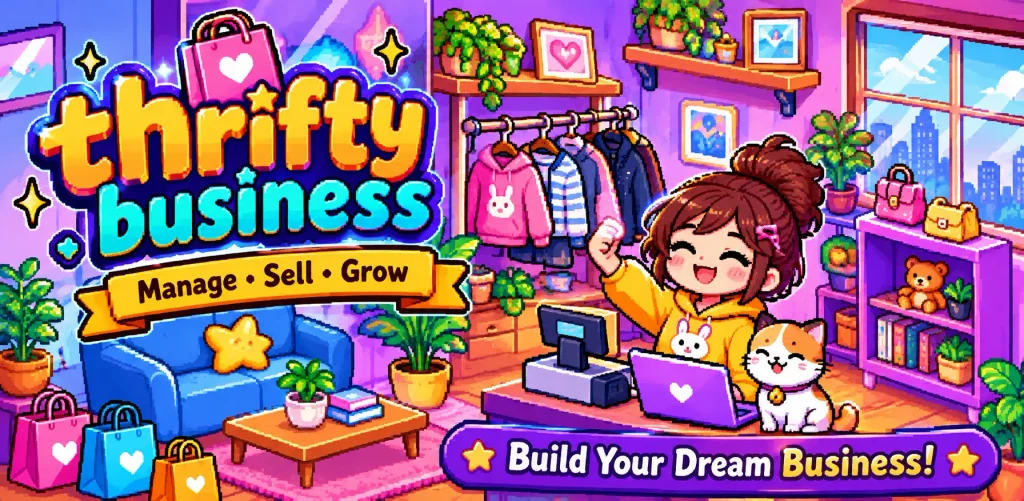
The mobile edition brings this experience to smartphones and tablets, making it accessible to people who prefer playing without a desktop computer. Its combination of item collecting, interior decoration, and customer interactions makes it particularly interesting for fans of cozy simulation games.
This guide explains the gameplay, major features, Android availability, installation considerations, and important details to understand before choosing Thrifty Business Download.
Game Information at a Glance
| Parameter | Details |
|---|---|
| App Name | Thrifty Business |
| Latest Version | Check Google Play for current version |
| Developer | Spellgarden Games |
| Required OS | Android (minimum version not confirmed) |
| File Size | Not officially specified |
| Category | Simulation |
| Release Date (Android) | November 10, 2026 |
| Pricing | First 60 minutes free; $7.99 to unlock full game |
| Content Rating | Everyone |
| Safety Information | Official Google Play listing available |
The developer’s Google Play listing confirms the Android release and its try-before-you-buy purchase model. The exact download size and minimum Android requirement are not provided in the available listing information.
What Makes This Simulation Different?
Many management games concentrate on increasing revenue, completing timed challenges, or competing against other stores. This title takes a different direction by making shop organization and creative expression the main activities.
Players are encouraged to experiment with different arrangements and develop a store that reflects their personal style. There is no pressure to maximize profits through complicated pricing systems.
Its relaxed approach makes it suitable for players who enjoy slow-paced activities and want something different from traditional tycoon games.
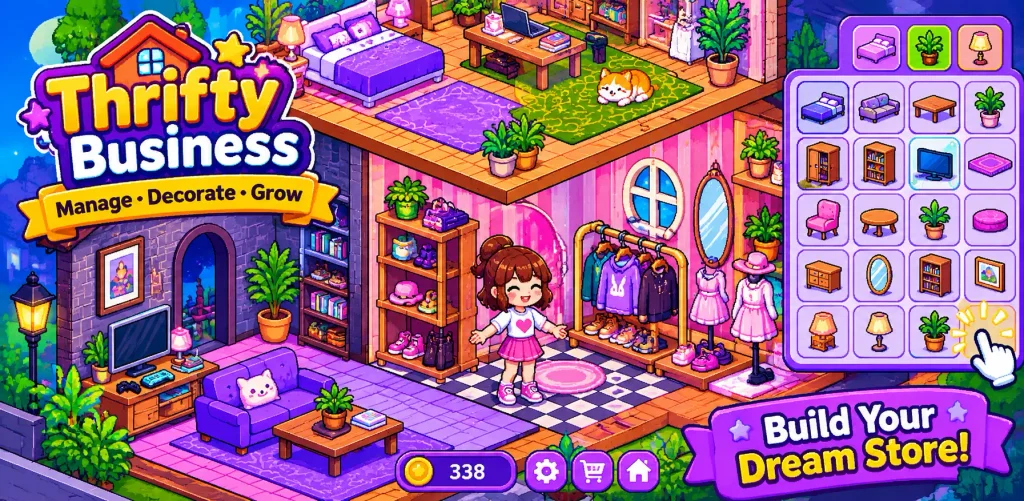
Main Gameplay Elements Worth Exploring
1. Discovering Items Inside Mystery Boxes
One of the central activities involves opening boxes filled with second-hand objects. These collections contain different types of products that can become part of the store’s inventory.
Players can discover items such as:
- Vintage clothing and accessories
- Decorative objects
- Toys and collectibles
- Antiques and nostalgic merchandise
- Other household-style products
This collecting system gives players a reason to explore new boxes and find interesting objects for their displays.
2. Organizing Shelves and Shop Displays
The arrangement system is an important part of the experience. Players can position products on shelves, racks, and other furniture to create an organized shopping environment.
Items can be grouped according to different themes, colors, or purposes. This gives players flexibility when designing the appearance of their stores.
For example, someone might create a dedicated section for colorful accessories while keeping antiques and decorative products in another area.
3. Customizing the Interior Environment
Interior decoration adds another creative layer to the gameplay. Players can unlock different furniture, wallpapers, flooring options, and decorative elements.
These customization choices help transform an ordinary shop into a more attractive space.
The available options include:
- Different furniture styles
- Decorative accessories
- Custom wallpaper
- Alternative flooring designs
- Additional interior arrangements
Players who enjoy designing rooms and experimenting with visual themes may find this system particularly enjoyable.
4. Meeting Customers and Understanding Their Stories
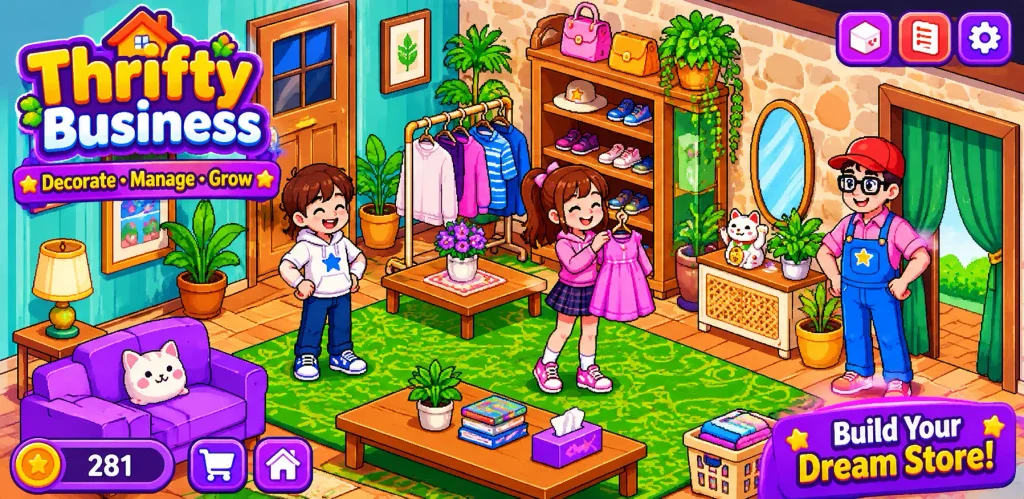
Customer interactions make the experience feel more personal. Different visitors arrive at the store with their own personalities, interests, and requests.
Players can listen to their stories and try to find items that match their needs. These interactions provide variety between decorating and organizing activities.
Rather than making customers a source of constant pressure, the game uses them to build a friendly community atmosphere.
5. Expanding the Store Gradually
As players make progress, they can unlock additional content and expand their available shop space.
This creates a sense of development without requiring players to manage complicated financial systems.
New areas also provide opportunities to experiment with different arrangements and create specialized sections for various collections.
6. Community Activities and Special Events
Another interesting element is the ability to unlock and organize hobby-related events.
These activities help turn the store into a meeting place where different characters can share interests. They also add another purpose to the shop beyond displaying products.
The combination of customer relationships, customization, and community activities gives the gameplay a more personal direction.
The features described above are based on the developer’s published game description, rather than assumptions about unverified gameplay mechanics.
How to Install the Android Version Safely
The Android edition is available through Google Play. Using the official store is the recommended approach because it helps users identify the correct developer and access legitimate updates.
Follow these steps:
- Open the Google Play Store on your Android smartphone or tablet.
- Search for the exact game title.
- Check that the developer is listed as Spellgarden Games.
- Open the official listing and review the price and device compatibility.
- Select the available option to try the game.
- Allow the installation process to finish.
- Open the game and follow its initial setup instructions.
- After the trial, decide whether you want to purchase the complete experience.
Important installation advice:
- Check available storage before installing.
- Keep Android and Google Play services updated.
- Review the requested permissions before granting access.
- Avoid unfamiliar websites offering modified installation files.
- Never provide unnecessary personal information to third-party download pages.
The official listing offers the first 60 minutes as a free trial, followed by a one-time purchase to unlock the full experience. Apps on Google Play+1
Advantages and Limitations: An Honest Assessment
Every mobile game has strengths and areas that might not suit every player. Here is a balanced overview.
| Advantages | Limitations |
|---|---|
| Relaxing shop-management gameplay | Full experience requires payment |
| More than 500 different items | Not designed for competitive gameplay |
| Extensive decoration options | Mobile controls may need some adjustment |
| Interesting customer interactions | Download size is not officially listed |
| Creative store organization | Minimum Android requirement is not clearly published |
One practical consideration is the touch-screen experience. Some players have mentioned difficulties with precise object placement and rotating furniture in early mobile reviews. These are individual user experiences, not confirmed problems affecting every device.
Other Android Games Worth Considering
If you enjoy decorating, organizing, and peaceful simulation experiences, these alternatives are also worth exploring.
1. Unpacking
A relaxing organization and puzzle experience.
This game focuses on unpacking household belongings and arranging them in different living spaces, making it a good choice for players who enjoy thoughtful organization.
2. A Little to the Left
A sorting and organization puzzle game.
It offers household-object sorting puzzles, multiple solutions, and daily challenges for players who enjoy arranging things neatly.
3. Cats & Soup
A cozy animal-themed simulation.
This alternative combines cute characters, relaxing activities, and customization options in a peaceful forest environment.
Performance, Compatibility, and Mobile Experience
Before installing any premium simulation game, it is useful to consider your device’s capabilities.
The official Android listing confirms smartphone and tablet availability, but it does not provide a clearly stated minimum Android version or exact installation size in the available information.
For a smoother experience, consider the following general recommendations:
- Use a reasonably recent Android device.
- Keep sufficient free storage available.
- Close unnecessary background applications.
- Install updates through Google Play.
- Use a stable internet connection during installation and updates.
These are general device-maintenance suggestions, not official minimum specifications.
The PC edition has separate Windows and macOS requirements, so those specifications should not be treated as Android requirements.
Is Thrifty Business Download Worth Trying?
The main attraction of this title is its combination of collecting, organizing, decoration, and friendly customer interactions. Instead of presenting a demanding management challenge, it gives players a creative environment where they can build their own virtual shopping space.
Its extensive collection of objects also provides opportunities to experiment with different interior arrangements. However, players looking for competitive challenges, complex economic systems, or fast-paced action may find the experience too relaxed.
Editorial rating: 4.2/5
This is an independent editorial assessment based on the advertised features, gameplay concept, and available mobile information. It is not an official developer rating.
The game is particularly suitable for:
- Fans of cozy simulation experiences.
- Players interested in interior decoration.
- People who enjoy collecting and organizing objects.
- Casual gamers who prefer single-player activities.
- Fans of vintage-inspired visual designs.
Frequently Asked Questions
The official Google Play listing identifies Spellgarden Games as the developer and displays an Everyone content rating. The developer also declares that no data is collected or shared with third parties. These declarations are useful information but do not guarantee absolute security. Apps on Google Play
Players can try the first 60 minutes without paying. Access to the complete game requires a one-time purchase, listed at $7.99 on Google Play. Prices may vary by region.
Open Google Play, search for the game, and check whether an Update option is available. Installing updates from the official store is the recommended method.
Not necessarily. Compatibility depends on the Android version and device specifications. Check the Google Play compatibility information before installation.
Editorial & Transparency Note
This article was prepared independently using publicly available developer information, official Google Play details, and relevant user feedback. Our goal is to provide accurate information about gameplay, features, compatibility, and installation.
We do not claim ownership of the game or any associated trademarks. We also avoid presenting unverified technical specifications as confirmed facts. Readers should use official distribution channels and review privacy information before installing applications.
Download links
How to install Thrifty Business Download – Android Game Guide APK?
1. Tap the downloaded Thrifty Business Download – Android Game Guide APK file.
2. Touch install.
3. Follow the steps on the screen.