
The Bazaar Download: Android Game Guide & Review
Tempo Games Studio
Today
110 MB
v1.0.8
Android 9.0 or later
1M+

Description
The Bazaar is a strategy-based multiplayer game that combines hero building, item management, tactical decisions, and automatic battles in a colorful fantasy universe. Developed by Tempo Games Studio, it offers a different approach to traditional mobile strategy games by allowing players to create their own battle strategies through carefully selected items and combinations.
Unlike conventional action games that require constant movement and button combinations, this title focuses more on preparation and decision-making. Players collect different items, organize their boards, develop character builds, and watch their strategies unfold during encounters.
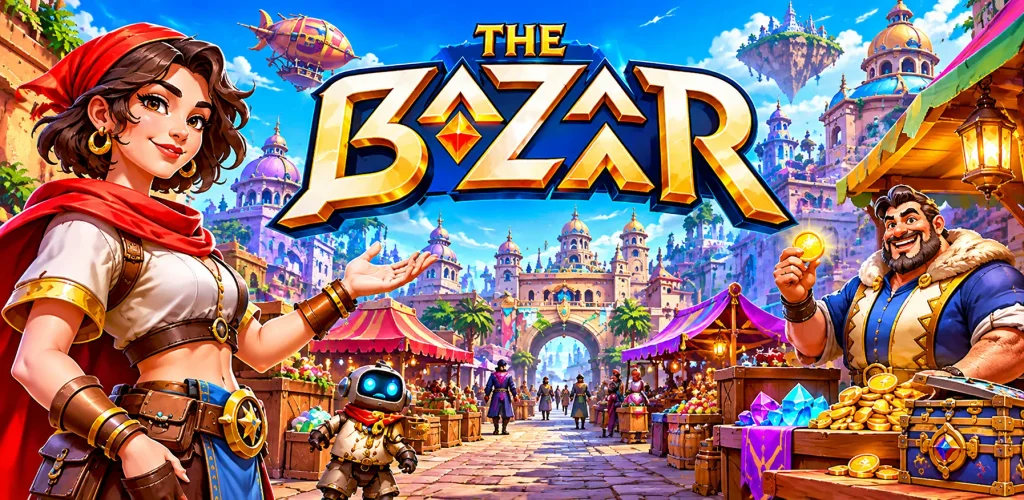
The Android version brings this experience to mobile devices, making it easier to enjoy strategic gameplay without sitting in front of a computer. Its changing encounters and different item combinations also give players reasons to experiment with new approaches.
The Bazaar Download is worth considering for Android users who enjoy roguelike experiences, competitive strategy, character progression, and games where every decision can influence the outcome of a match.
Quick Game Information
| Parameter | Details |
|---|---|
| App Name | The Bazaar |
| Latest Version | 1.0.8 |
| Developer | Tempo Games Studio |
| Publisher | AVY Entertainment, Inc. |
| Required OS | Android (minimum version not officially confirmed in the listing) |
| File Size | Varies by device; check Google Play |
| Category | Strategy |
| Game Type | Multiplayer Roguelike |
| Availability | Android and Windows |
| Content Rating | Teen |
| Safety Rating | No independent numerical safety rating published |
| Installation | Google Play Store |
Information checked on November 21, 2026. Google Play lists the Android version and an update dated November 18, 2026.
What Is The Bazaar?
The Bazaar is a strategy-based multiplayer game that combines roguelike gameplay, item collection, hero abilities, and automatic battles. Players choose characters, collect useful items, organize their boards, and create different strategies to compete against other players.
The game focuses on planning and decision-making rather than fast-paced action. Each match offers opportunities to experiment with different item combinations, improve character builds, and discover new ways to approach battles.
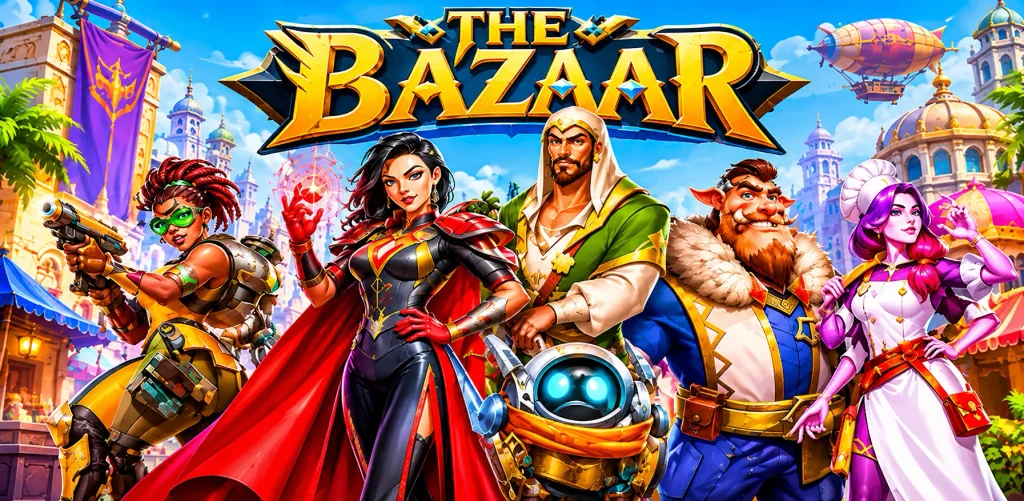
Its changing encounters and variety of items make every session interesting. Players can develop their own playing styles by combining different abilities and carefully managing their available resources.
Overall, The Bazaar is a good option for players who enjoy strategy games, creative gameplay, character progression, and challenging multiplayer experiences.
What Makes This Strategy Game Interesting?
The popularity of this title comes from its combination of different gameplay systems. Instead of following a predictable sequence of battles, players experiment with different builds and discover how individual items work together.
Its main attraction is the freedom to develop different strategies. One player might focus on building a setup around a powerful item, while another might prefer combining several smaller effects to create a more complicated strategy.
Several factors make the experience interesting:
- Different character styles: Players can explore heroes with individual abilities and gameplay approaches.
- Changing encounters: Each run introduces different situations and strategic decisions.
- Creative combinations: More than 100 items provide opportunities to experiment with different builds.
- Multiplayer experience: Players can compete against other participants.
- Replay value: Different combinations encourage players to try alternative approaches.
The Google Play listing also describes hundreds of voiced encounters, giving the game a stronger personality beyond its strategic systems.
Main Gameplay Elements and Their Practical Value

1. Hero Selection and Individual Playstyles
Character selection is an important part of the overall experience. Different heroes offer different abilities and approaches, which can influence how players develop their strategies.
Rather than using the same approach in every match, players can explore different character styles and learn which combinations work best.
This feature is particularly useful for people who enjoy experimenting instead of repeating identical gameplay patterns.
2. Item Collection and Board Management
One of the central mechanics involves collecting items and arranging them on a personal board.
Players need to consider how different pieces work together. The position, combination, and effects of selected items can influence the final strategy.
This creates an additional layer of planning because choosing an item is only one part of building an effective setup.
3. Automatic Battle System
The game uses an automatic battle approach. Players prepare their builds before encounters, and the selected setup determines how the battle develops.
This system makes strategic preparation more important than fast reactions.
It can also appeal to mobile players who prefer making thoughtful decisions rather than continuously pressing action buttons.
4. Multiple Item Combinations
The available item collection provides numerous possible combinations.
Players can experiment with different setups, identify useful effects, and adjust their choices when a particular approach does not perform as expected.
For example, someone might prefer a simple setup that concentrates on one main effect, while another player may enjoy combining several different abilities.
5. Roguelike Progression
The roguelike structure gives every run a different experience.
Encounters, available choices, and possible combinations can change, encouraging players to adapt rather than rely on one fixed strategy.
This approach makes repeated sessions more interesting for people who enjoy learning from previous attempts.
6. Mobile-Friendly Controls
The Android edition brings the experience to touchscreen devices.
According to the developer’s mobile beta instructions, the interface includes two control styles:
- Basic Mode: Players tap an item to view its information and tap again to confirm a selection.
- Advanced Mode: Experienced players can use single taps for selections and hold items to view additional information.
These controls are designed around touchscreen interaction rather than traditional keyboard and mouse input.
How to Download and Install the Android Version
The safest option is to use the official Google Play listing. This helps users avoid modified or unrelated installation packages.
Follow these steps:
Step 1: Open Google Play
Launch the Google Play Store on your Android smartphone or tablet.
Step 2: Search for the Game
Enter the exact game title in the search bar. Check that the developer is listed as Tempo Games Studio.
Step 3: Check Compatibility
Open the application page and review its compatibility information, content rating, update details, and data safety section.
Step 4: Start Installation
Select the Install option if the application is available for your device and region.
Step 5: Wait for Installation
Allow the Play Store to download and install the required files. A stable internet connection can help prevent interrupted downloads.
Step 6: Open the Application
Once installation finishes, launch the game and follow the on-screen instructions.
Step 7: Complete Account Setup
Sign in or create an account using the supported account options. Review the available settings before starting your first session.
Step 8: Configure Gameplay
Explore the control settings and select the mobile interaction mode that feels comfortable.
Important installation advice: Avoid APK files from unknown websites. If an application is unavailable in your Play Store region, check the developer’s official announcements rather than trusting unrelated download pages.
Official Android listing: Download from Google Play.
Advantages and Limitations
Every mobile game has strengths and weaknesses. Here is a balanced overview.
| Advantages | Limitations |
|---|---|
| Creative strategic gameplay | Requires time to understand |
| Multiple playable heroes | Internet connection is needed for online play |
| Many item combinations | Some features may require purchases |
| Changing encounters improve replay value | Not ideal for players who prefer fast action |
The biggest advantage is the freedom to experiment with different strategies. However, beginners may need several sessions to understand how the different systems interact.
Three Alternatives Worth Exploring
If you enjoy strategy-based mobile experiences, these games offer different approaches to planning and competition.
1. Backpack Battles
This inventory-based strategy game focuses on arranging items inside a backpack to develop effective battle combinations. It is a suitable alternative for players who enjoy item management.
2. Hearthstone
This collectible card strategy game features deck building, character abilities, and competitive matches. It is a good option for players who enjoy planning card combinations.
3. Super Auto Pets
This casual auto-battler allows players to build teams of pets with different abilities and compete through strategic combinations.
Our Review: Is It Worth Trying?
The Bazaar Download offers an interesting experience for players who prefer strategic planning over traditional action gameplay.
Its biggest strength is the way it connects character selection, item combinations, board organization, and automatic battles. These systems work together to create an experience where preparation matters.
The mobile version is another positive aspect because it makes the core gameplay accessible through touchscreen controls. However, new players should expect a learning period before understanding the different mechanics.
There are also a few things to consider before installing. The game includes in-app purchases, and Google Play lists a Teen content rating. Its data safety information indicates that certain personal and financial information may be collected, while app information and performance data may be shared with third parties. Users should review the privacy disclosures before playing.
Editorial score: 4.2/5
Final recommendation: The Bazaar Download is a good choice for players who enjoy roguelike progression, creative strategy, and multiplayer competition. Those who prefer simple offline games or fast-paced action may find its gameplay less appealing.
Frequently Asked Questions
Yes. An Android version is listed on Google Play, where users can check device compatibility and download availability.
The Google Play listing identifies the application as having in-app purchases. Download availability and the cost of optional content should be checked on the store page before installation.
Open Google Play, search for the game, and check whether an Update button is available. Installing updates through the official store is the recommended approach.
The official Google Play listing is the recommended installation source. However, no application should automatically be considered completely risk-free. Review its content rating, permissions, privacy information, and purchase options before installing.
Editorial and Transparency Note
This article was prepared using publicly available game information, developer announcements, and Google Play listing details. Our editorial approach prioritizes accurate descriptions, transparent installation guidance, and user awareness.
We do not guarantee that every feature will perform identically across all Android devices. Version numbers, download sizes, compatibility, and store availability can change with future updates. Readers should always use official distribution channels and review privacy information before installing applications.
Download links
How to install The Bazaar Download: Android Game Guide & Review APK?
1. Tap the downloaded The Bazaar Download: Android Game Guide & Review APK file.
2. Touch install.
3. Follow the steps on the screen.